
From a note on the fridge to a clear view of your energy
Writing down meter readings, forgetting them, and being surprised by the back payment at the end of the year – most households know the feeling. ablesio turns it into a small, good habit: take a photo of the meter, and the numbers turn into answers. This is the story of how that came together.


The note on the fridge
Electricity, gas, water – three meters, three scraps of paper, and somewhere in between the question: are we actually using more than last year? Until now, the answer arrived once a year, by post, and usually with a surprise.
So the idea behind ablesio was simple: if reading the meter is easy, people do it more often. And if they do it more often, they know where they stand in good time – not only when the annual bill arrives.

A back payment nobody saw coming? I wanted to spare my people that. So I started counting along.

One photo is enough
Point the phone at the meter, take a photo, done: text recognition reads the value, and ablesio asks once whether the number is right. The date comes straight from the photo – even for pictures from the gallery and in the iPhone's HEIC format.
- Ten kinds of meters: electricity, gas, water, district heating, wallbox, grid feed-in, plug-in balcony solar, PV system, heating oil and heat pump
- Two recognition models run side by side – so the text recognition keeps getting better
- You can always take one reading per calendar day, however often the reminder comes

Quick check – is that the right number? I like reading, but you always have the final say. That way every value is one you can rely on.
Numbers become answers
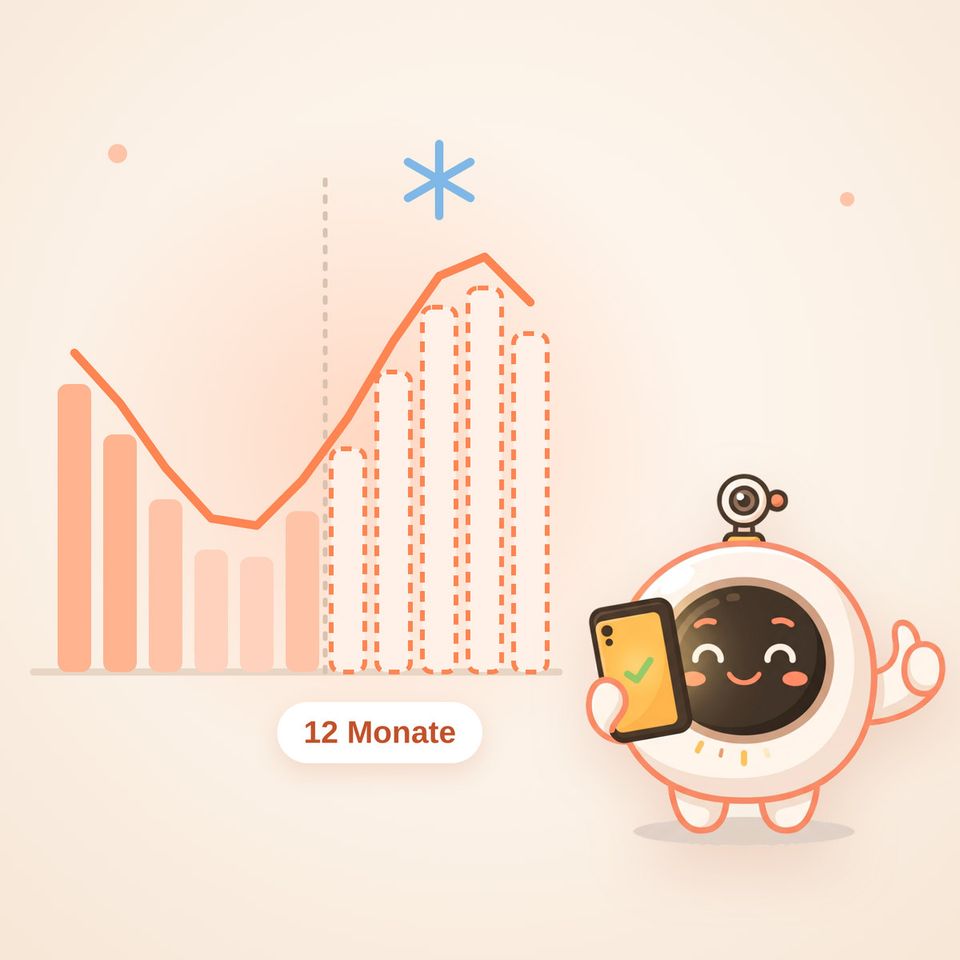
Every reading is matched, to the day, with the contract that applies at that time – including unit price, standing charge and bonus. The result: costs that match the real bill, and charts that make months and years comparable.
The forecast looks ahead: for the next 3, 6 and 12 months and up to the next date you could cancel your contract. In the forecast challenge, Ablo makes a guess – on the target date you check together how close he was, and he learns from it.
- Tables with filtering, sorting and export to CSV, Excel or PDF
- Milestones in the charts: every balcony solar unit, every PV system, every wallbox by name
- A hint when switching supplier would pay off

With my monocle on, my guesses get better. And if I get it wrong? Then I calculate a little more precisely next time – promise.
Sunshine at home
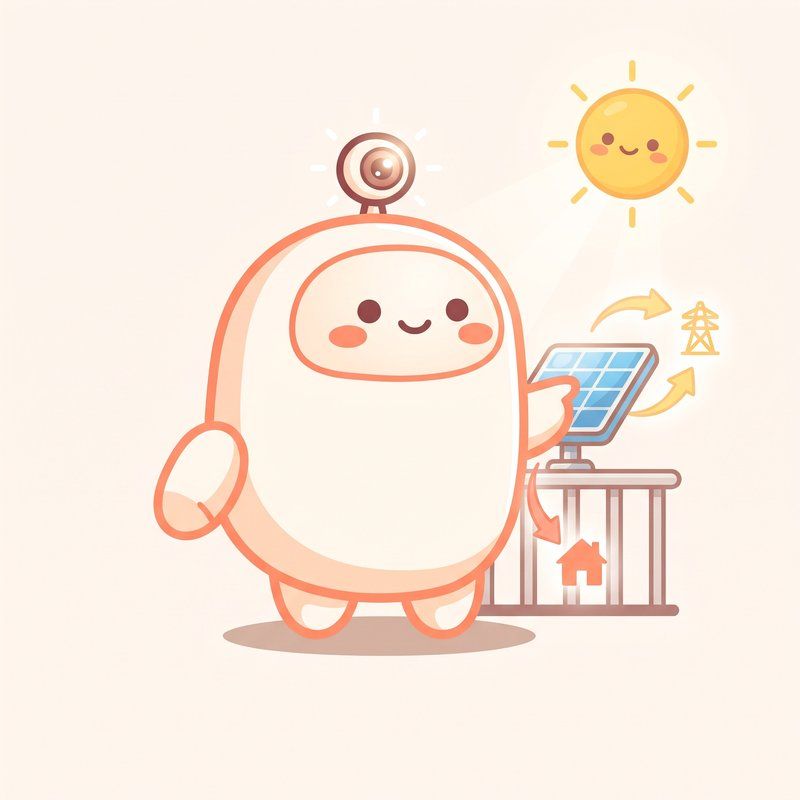
With balcony solar, a PV system or a wallbox, the electricity meter tells a whole story: how much came from the grid, how much from your own roof, and what the sun has saved? ablesio brings it all together for the whole household.
- Grid supply and self-consumption month by month, even across several systems
- Estimated share of your own solar power when charging the electric car
- Self-sufficiency and savings at a glance

Three balcony solar units, a PV system, a wallbox – and still a chart that is a pleasure to look at on a phone. Thumbs up!

Gas, calculated honestly
During a demo, a gas customer asked exactly the right question: My meter shows cubic metres, but I am billed in kilowatt hours – how does that fit? The answer is on every gas bill: m³ × calorific value × correction factor (Z) = kWh. Since then, both values are entered with the gas contract; if the calorific value changes, ablesio keeps calculating to the day.
| Period | m³ | Calorific value × Z | ablesio | Bill |
|---|---|---|---|---|
| January | 131 | 10.290 × 0.9678 | 1,304.6 kWh | 1,300 kWh |
| February | 157 | 10.315 × 0.9678 | 1,567.2 kWh | 1,570 kWh |
| March | 318 | 10.315 × 0.9678 | 3,174.6 kWh | 3,172 kWh |
| April | 142 | 10.288 × 0.9678 | 1,413.9 kWh | 1,414 kWh |
Small differences arise because the bill uses the exact meter readings.
I enjoy keeping the books. Calorific value, correction factor, valid from – and with a new contract I carry over the latest values all by myself.
Trust you can see
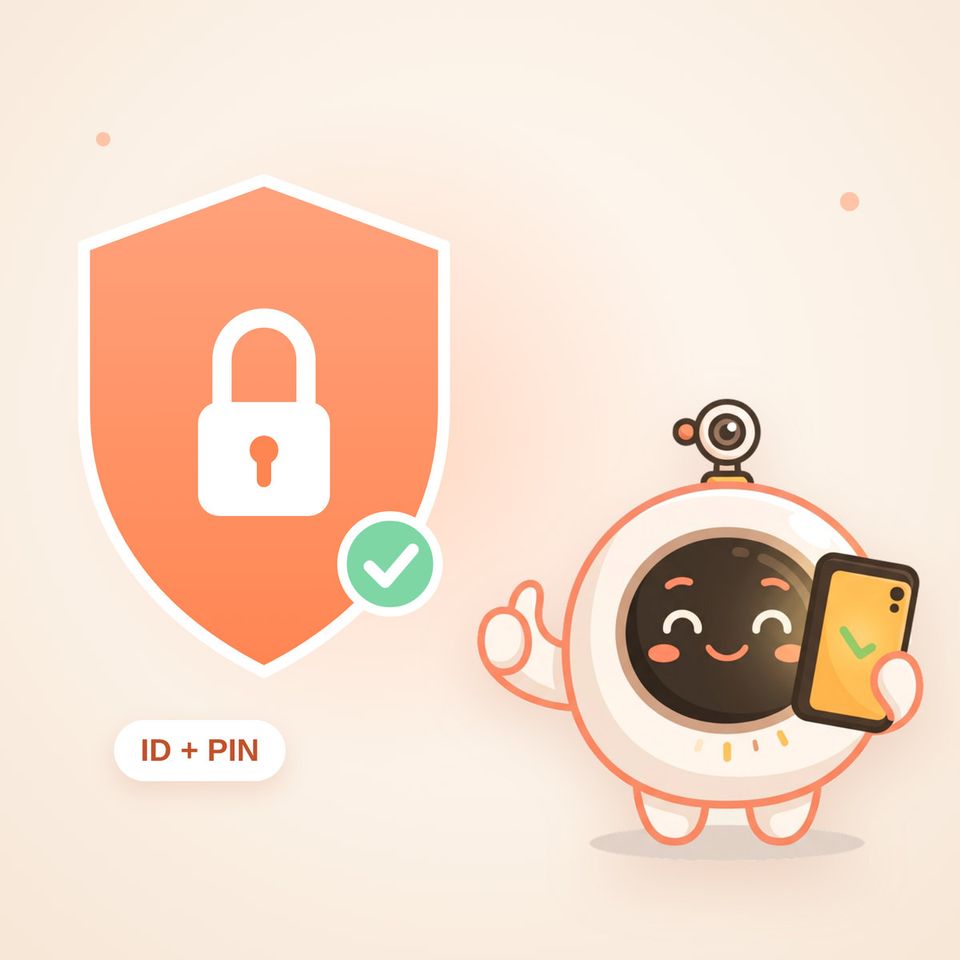
Meter readings say a lot about a household. That is why ablesio only asks for what is really needed – and makes it visible what happens to the data.
- Sign-in with an anonymous household ID and PIN, e-mail only if you want it
- Meter photos are kept only with explicit consent – which you can change in your profile at any time
- Chat with Ablo: export the history, delete it, or don't store it at all
- The public demo stores no photos and no chat history

Only with your yes. For me that is not a figure of speech but a setting – and you can change it again whenever you like.
At home everywhere – and fast
ablesio runs in the browser, can be added to the phone's home screen like an app and talks to the smart home. Anyone who already reads a meter digitally simply sends the values automatically.
- Integrations for Home Assistant, ioBroker and openHAB
- Android app with reminders
- About 310 KB instead of 1.8 MB when opening it for the first time – and usually only about 20 KB on the next visit



A quick wink: I am now so light that I show up instantly even on a weak mobile connection. And at home, the smart home already lets me know.
Built with care
Behind the friendly surface there is a whole workshop: a watchdog checks around the clock that reading, confirming and reports work. Every new version is tested before it goes live – right down to the smart home integrations.
- Error log and load-time check built into the admin area
- Database updates that break nothing, even if applied twice
- Complete packages, checked to be missing nothing – with a one-click way back
"You can tell a good tool by the fact that you enjoy using it –
and that it gives you time back."
A year with ablesio
Example – what a year in a household can look likeThree meters set up, first photo taken. From now on, Ablo sends a monthly reminder.
The balcony solar unit goes up on the railing – it appears in the chart as a milestone with its name.
The forecast shows: electricity use is well below last year. Time to adjust the monthly payment.
The "until the next cancellation date" tile – a look at the costs, a comparison, a switch.
At the end of the year there is no surprise any more – just a confirmation. That is exactly how I imagined it.

What comes next?
The next ideas are already on the table: dynamic electricity tariffs, even more smart home convenience and notifications that arrive exactly when they help. The yardstick stays the same as on day one – it has to be simple, and it has to be right.